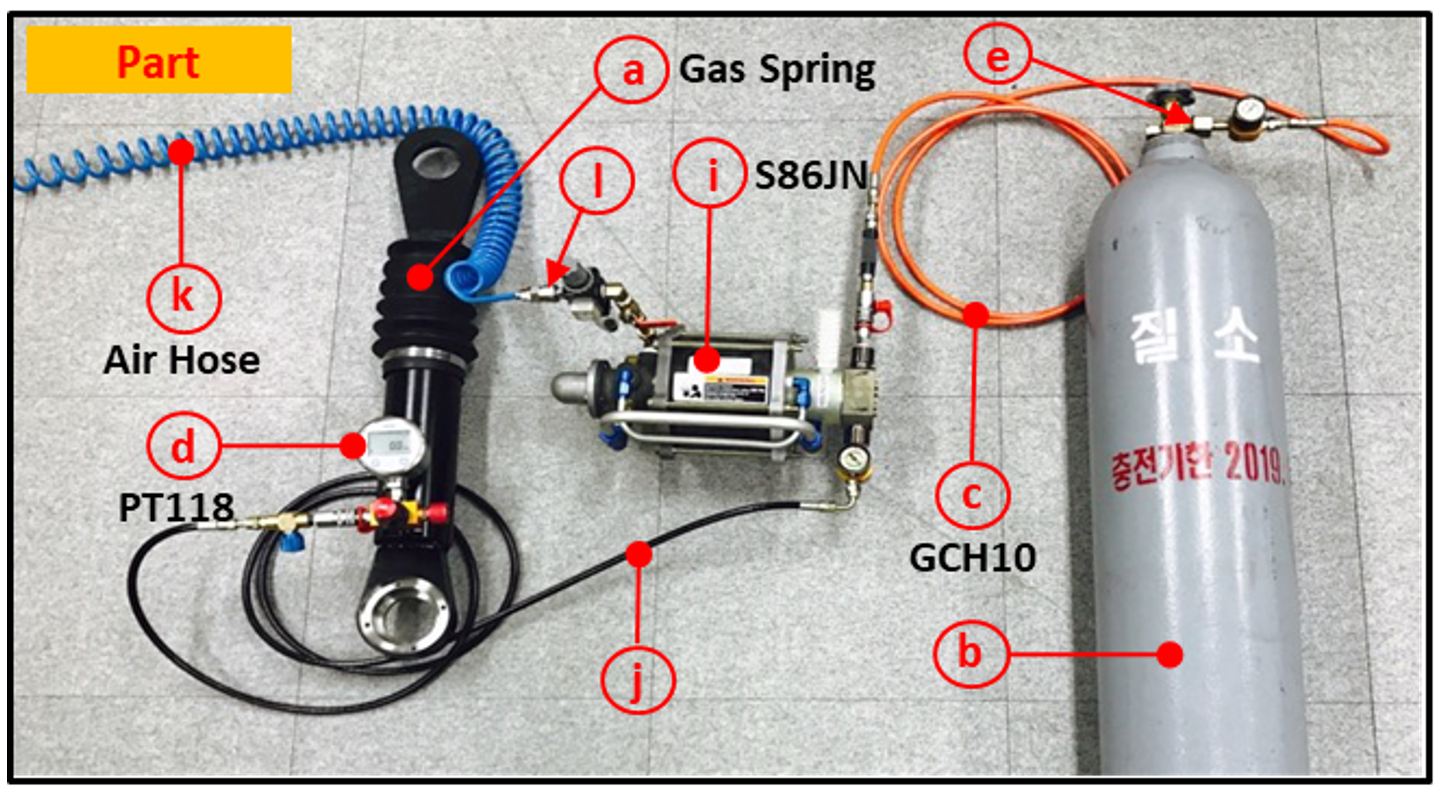
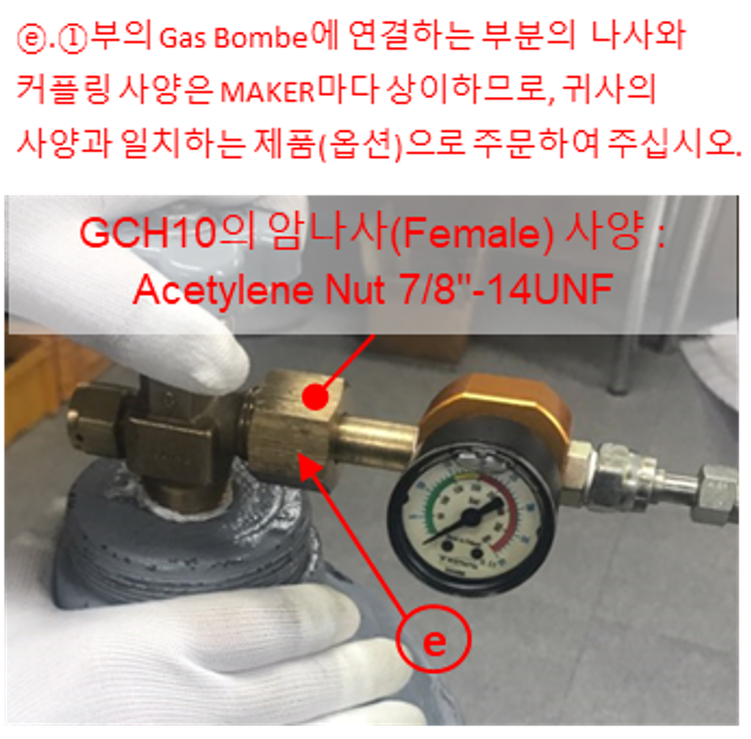
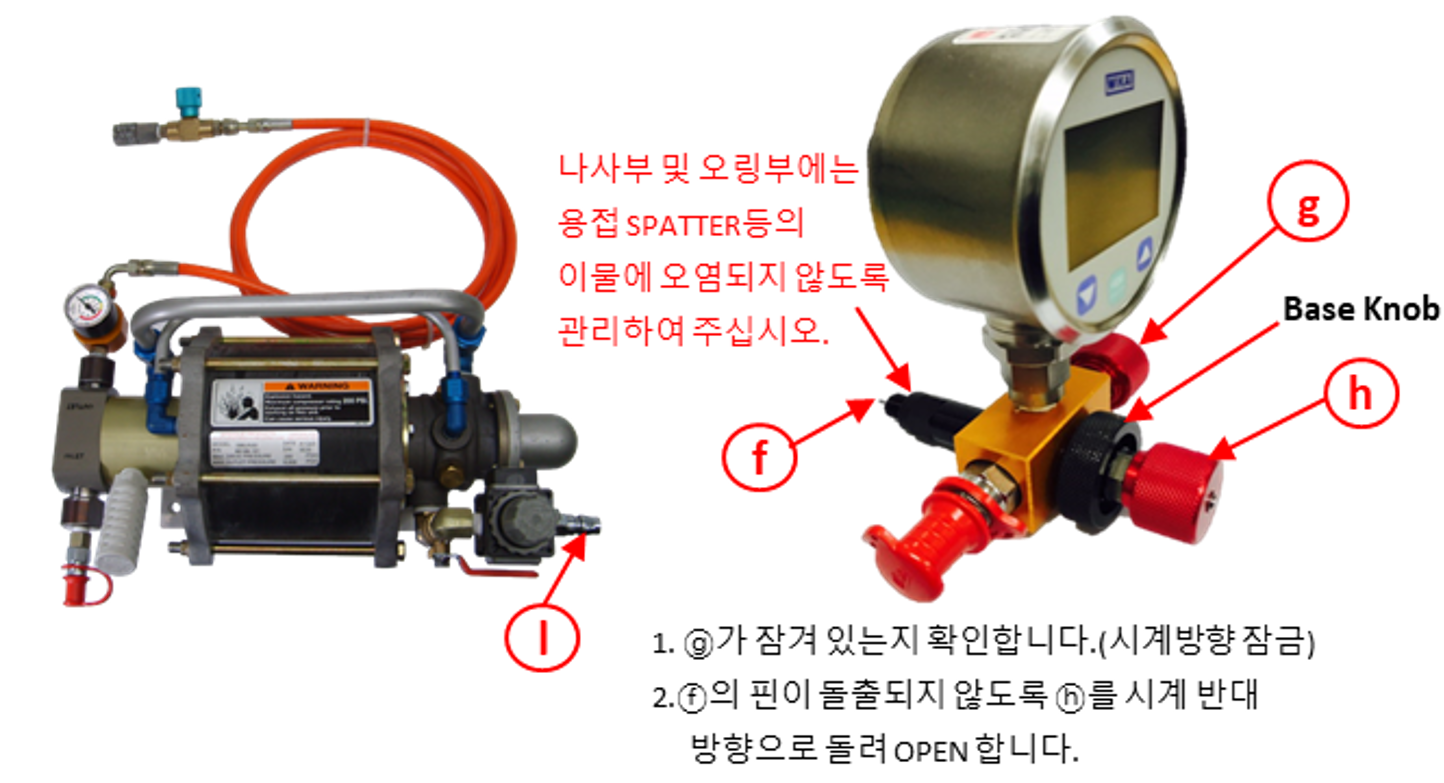
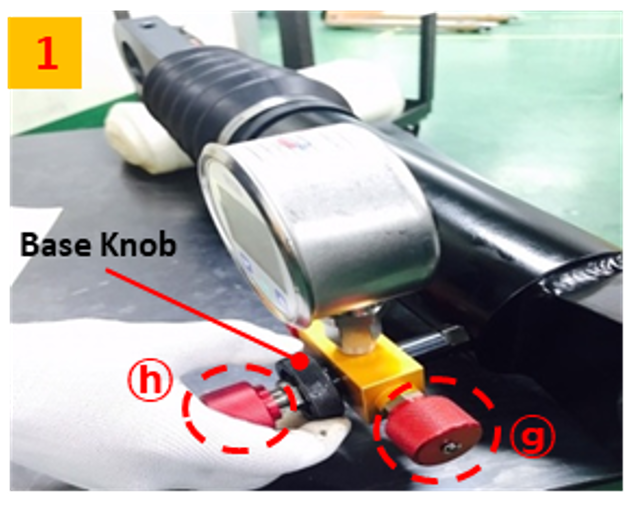
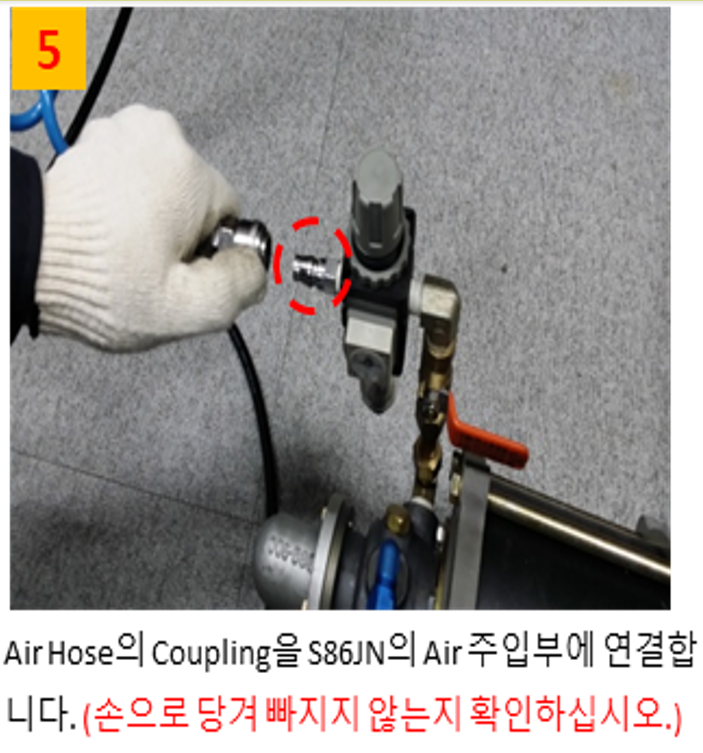
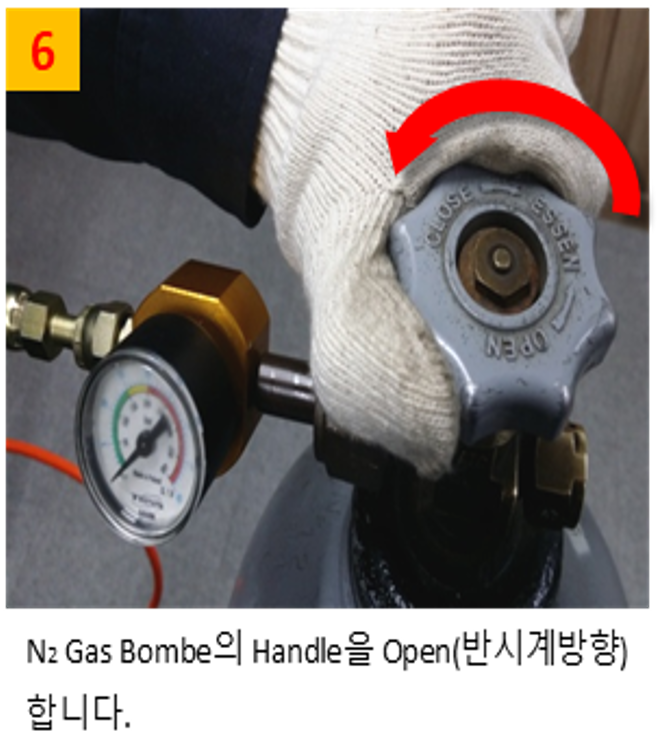
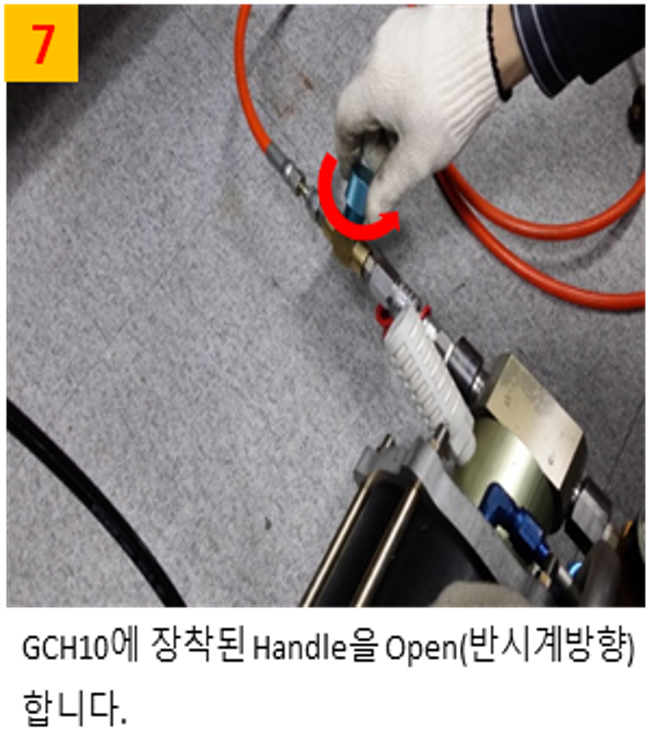
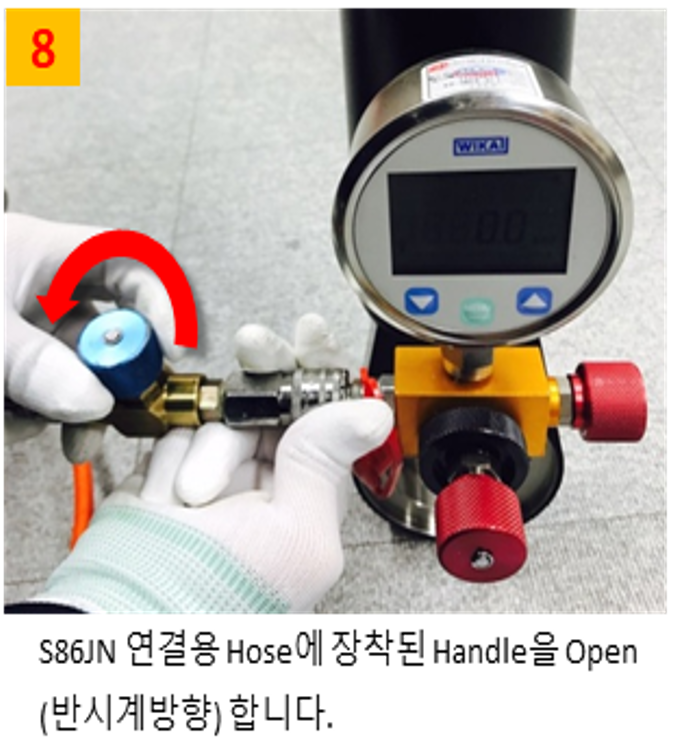
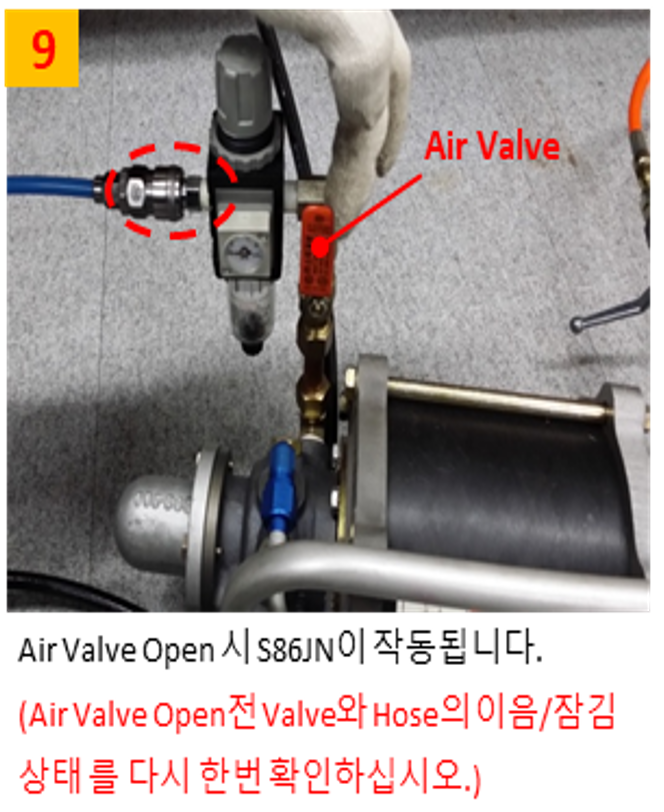
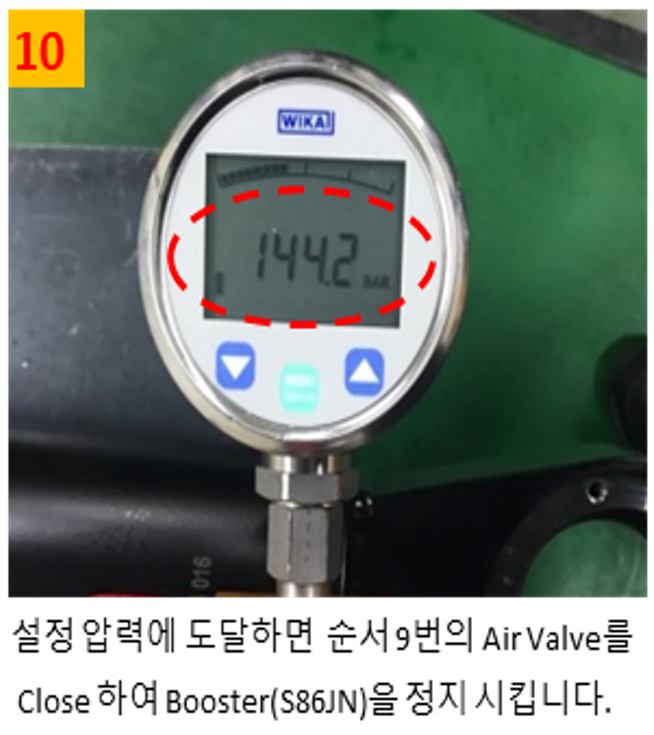
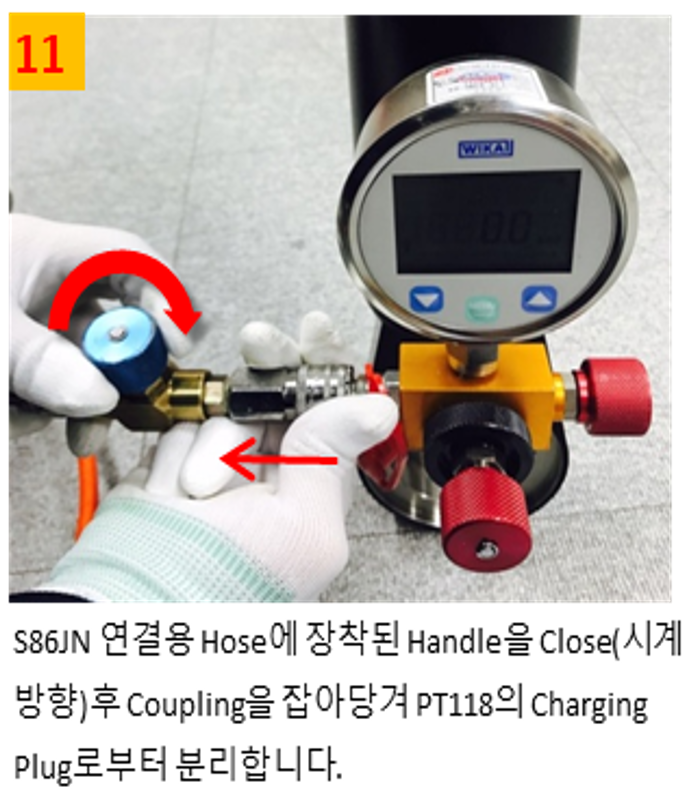
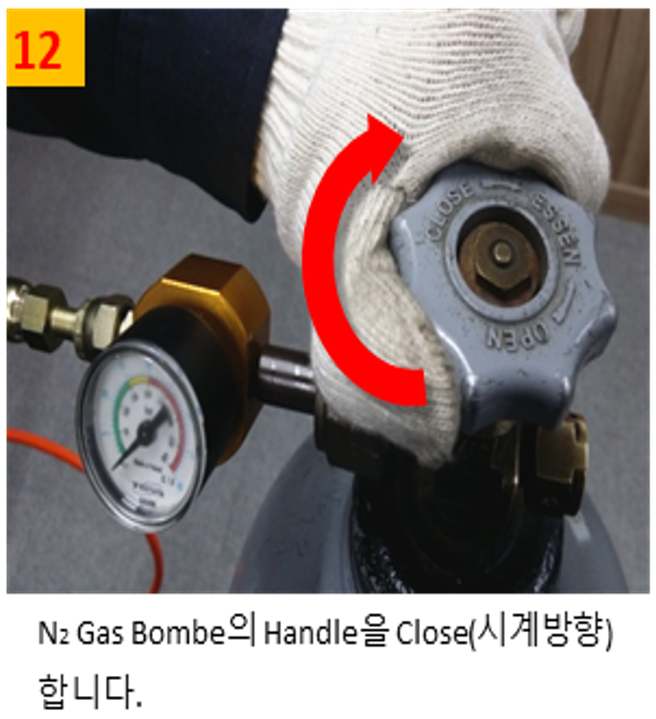
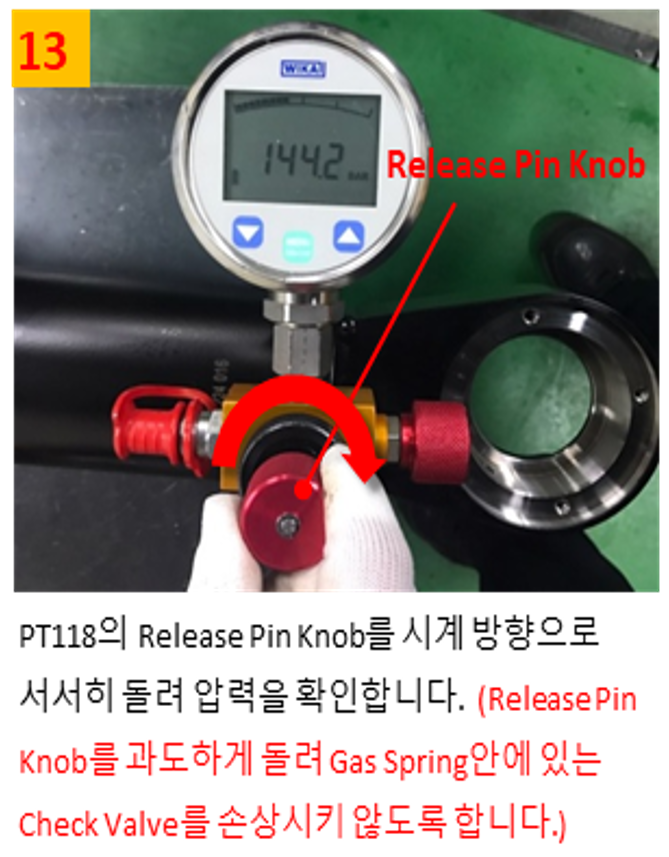
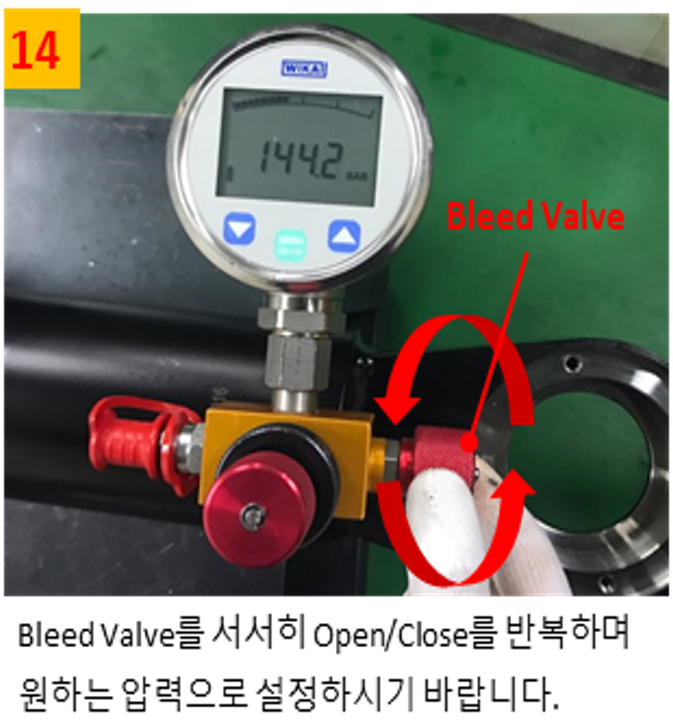
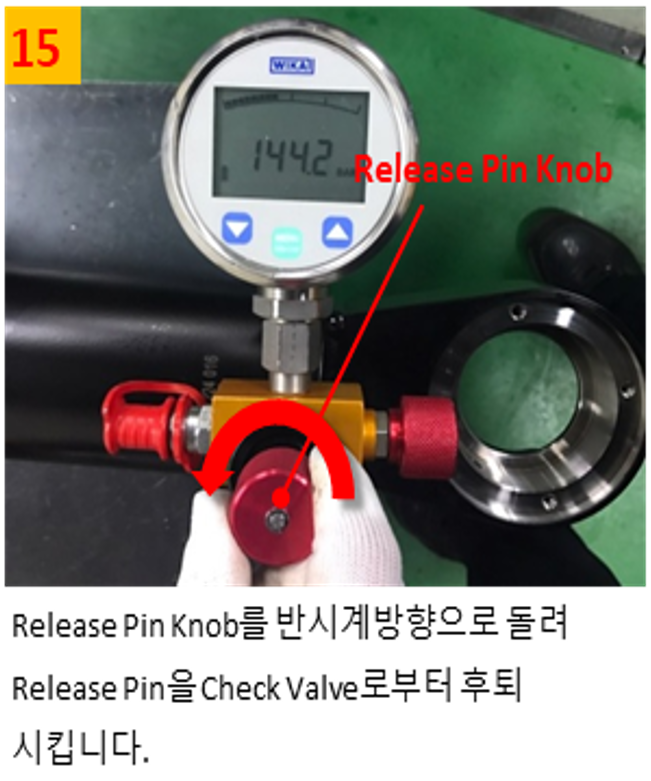
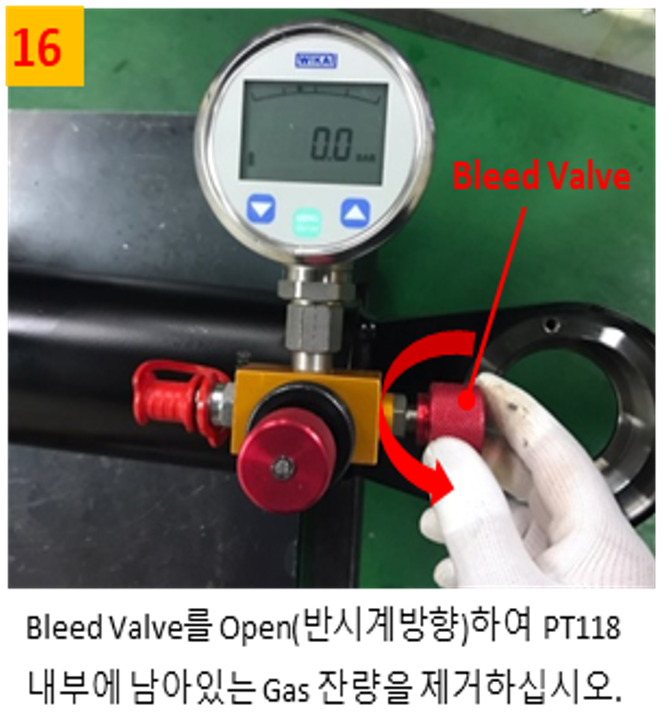
Gas pressure testing and injection
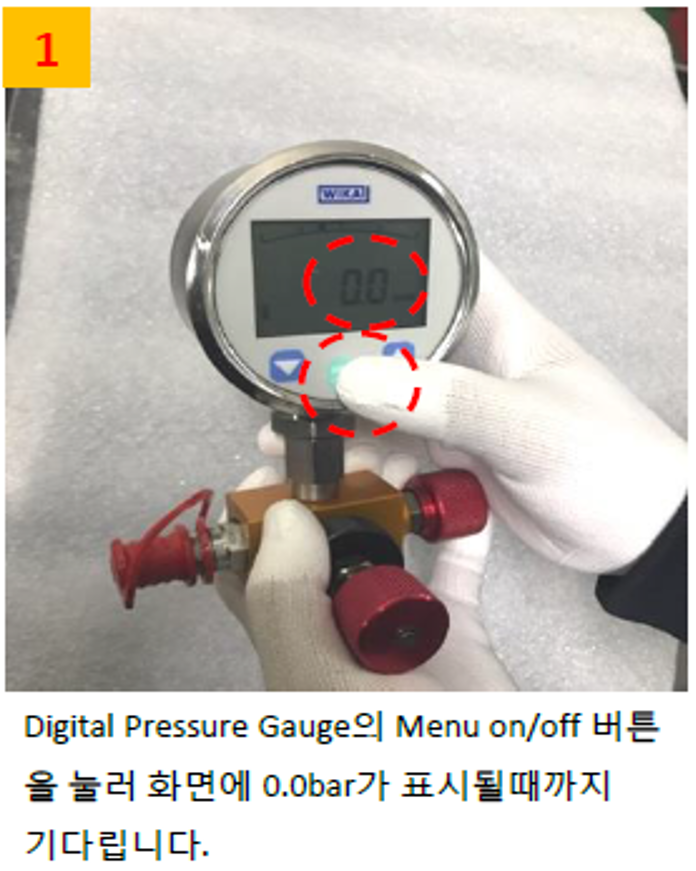
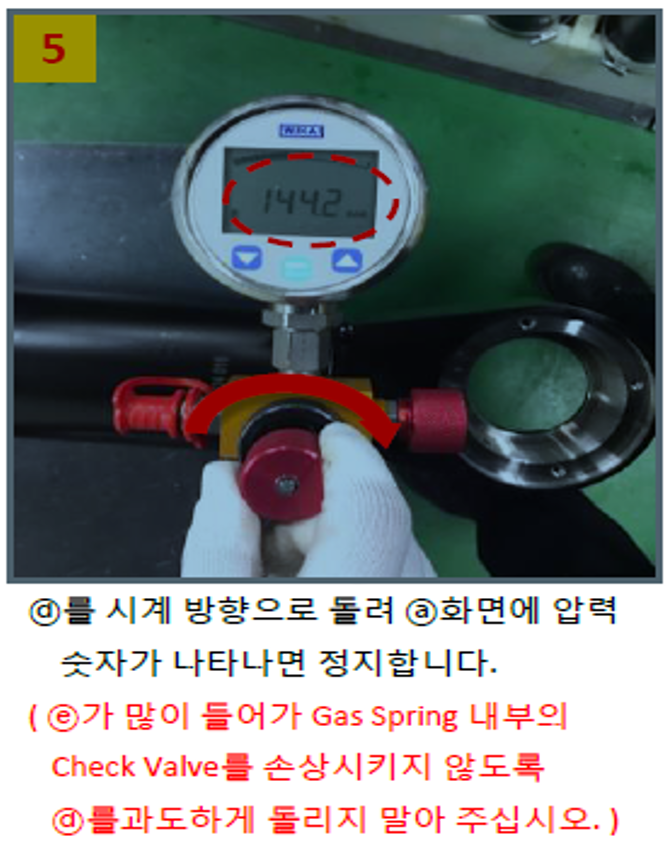
Pressure check
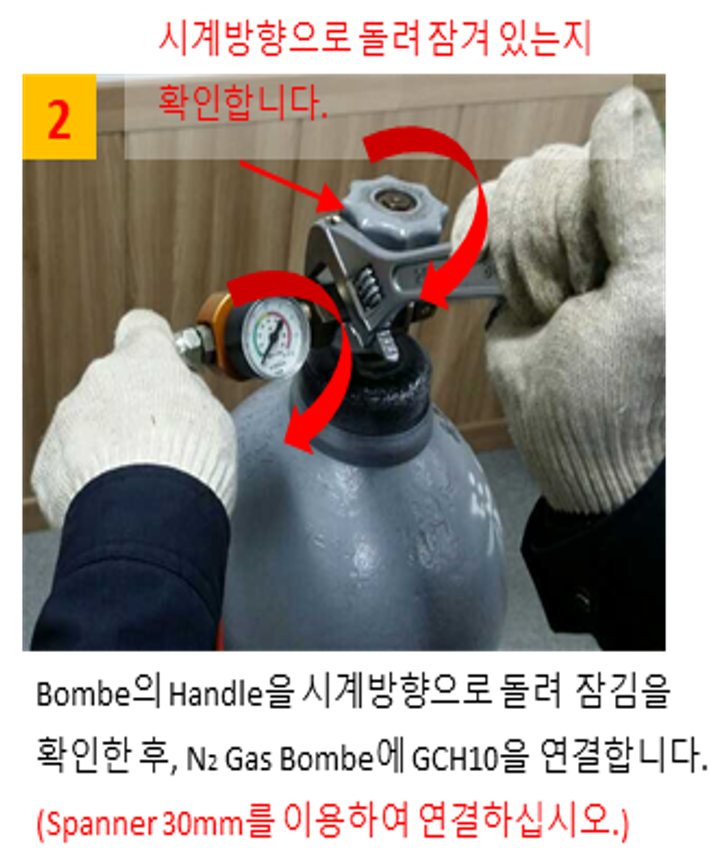
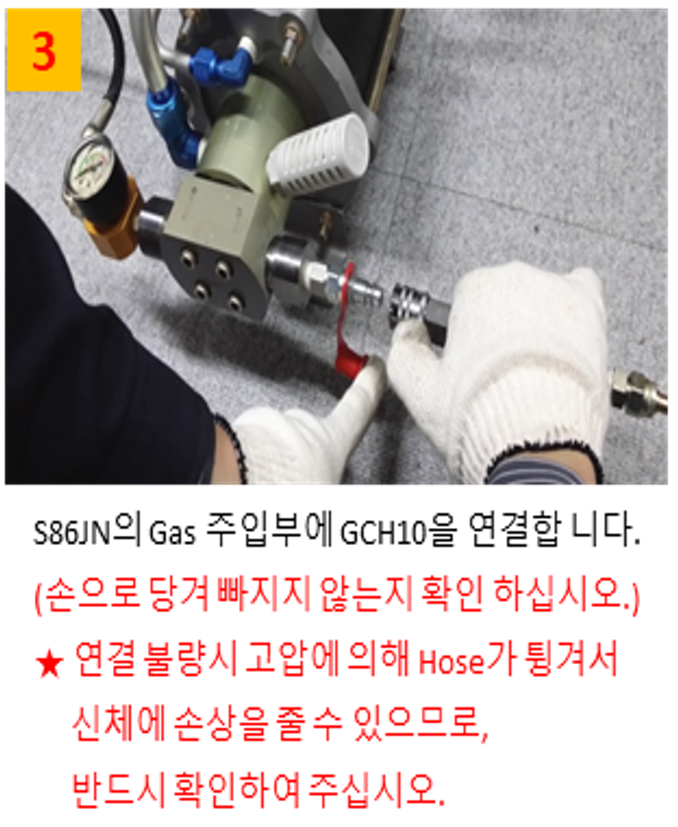
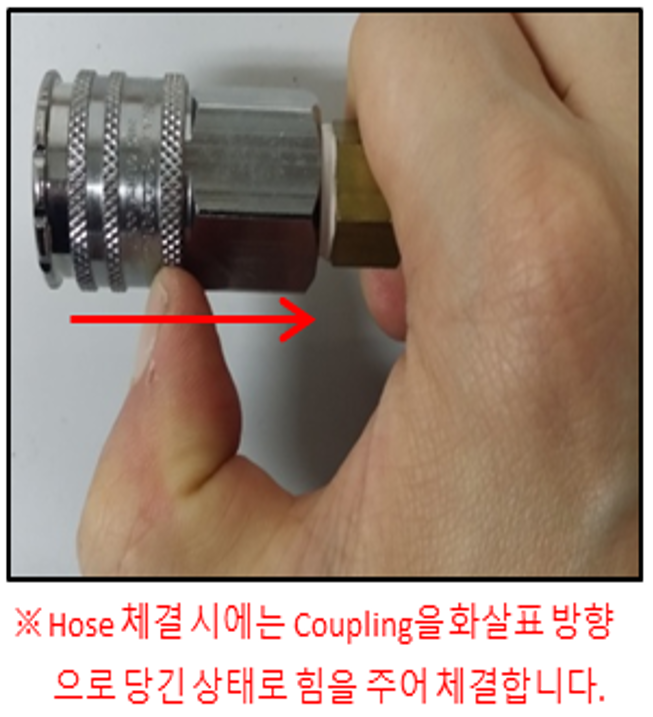
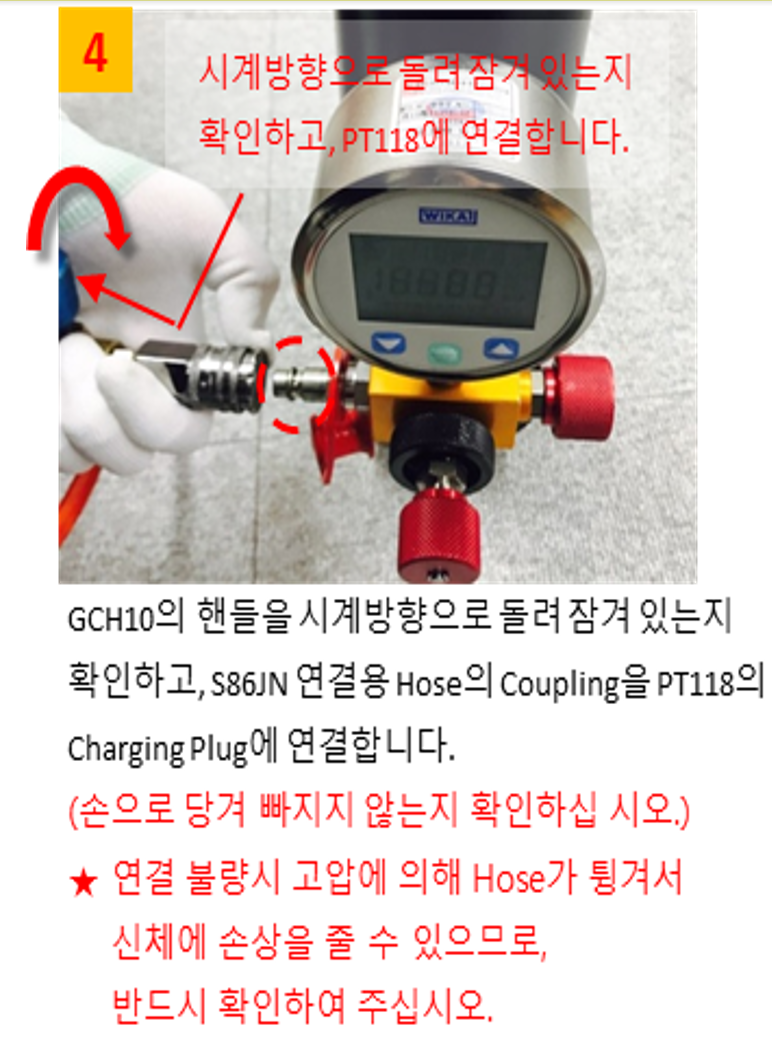
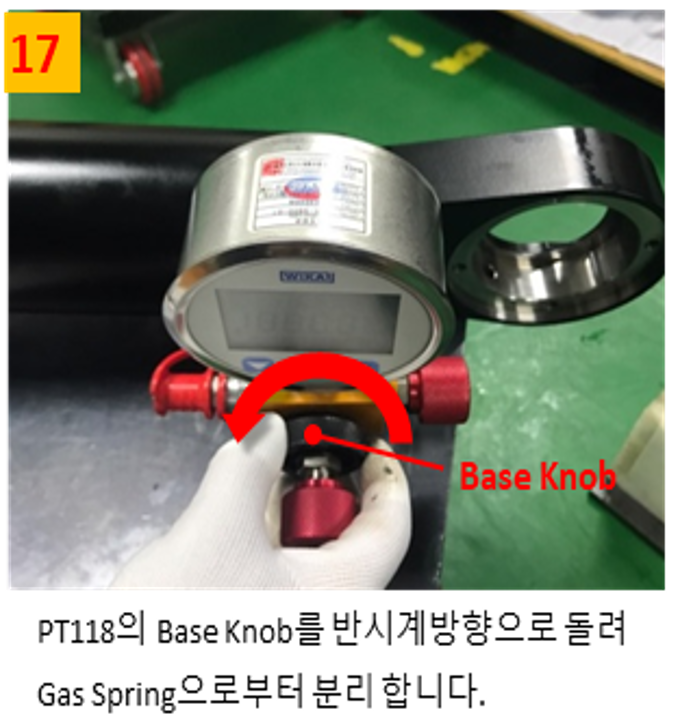
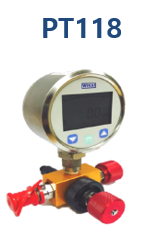
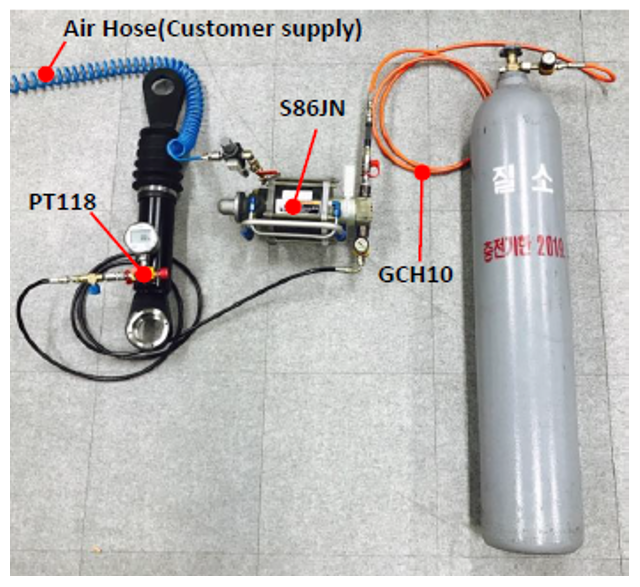 Gas spring filler SET
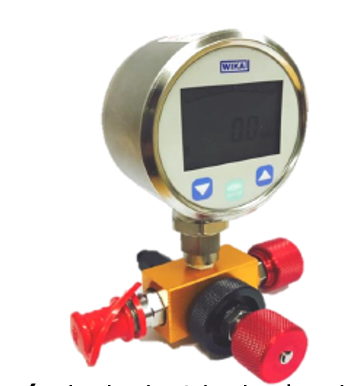 (digital pressure meter)
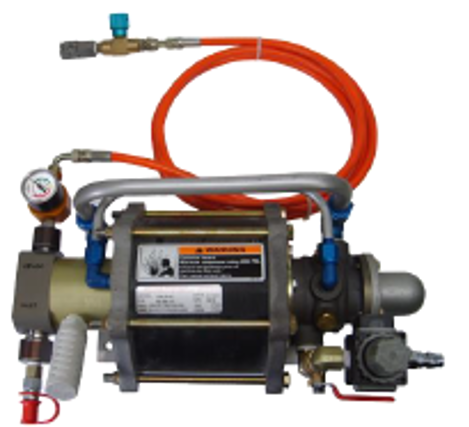 (pressure injection booster)
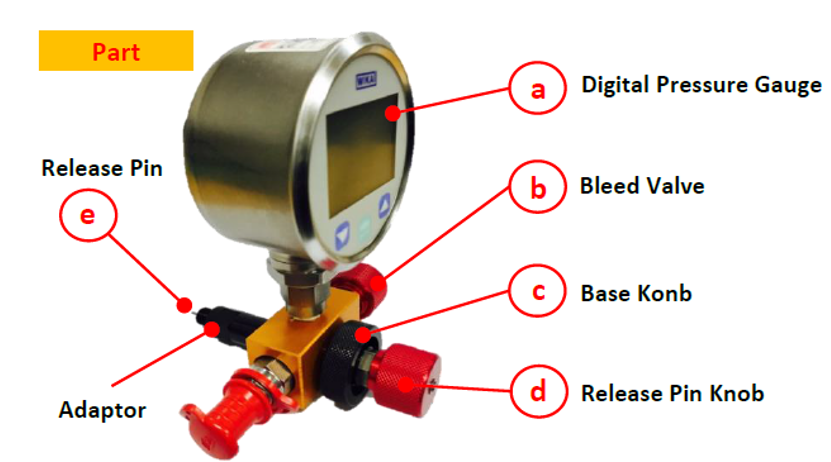
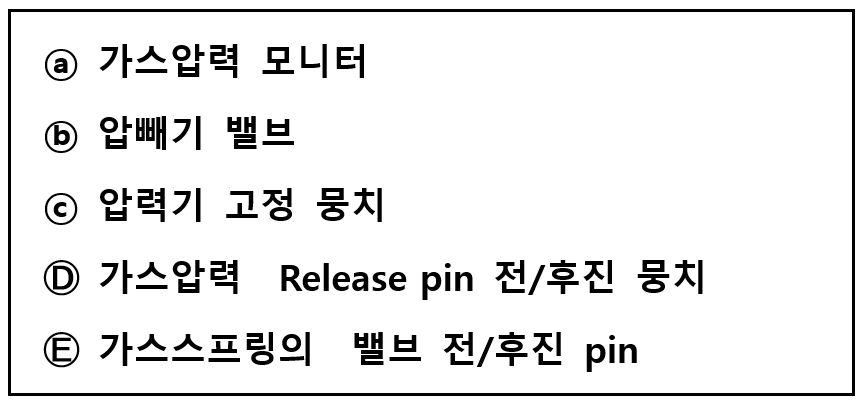
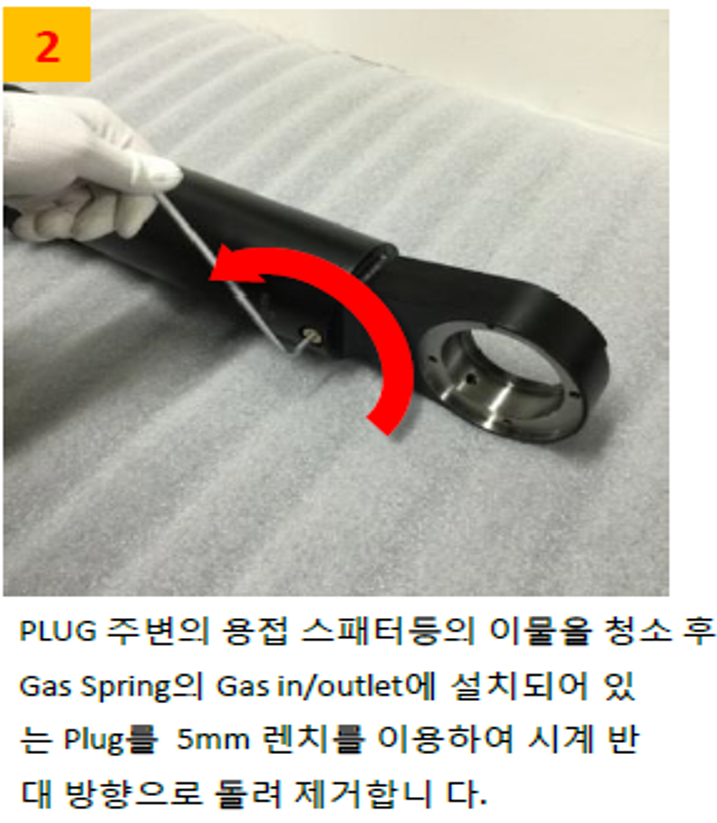
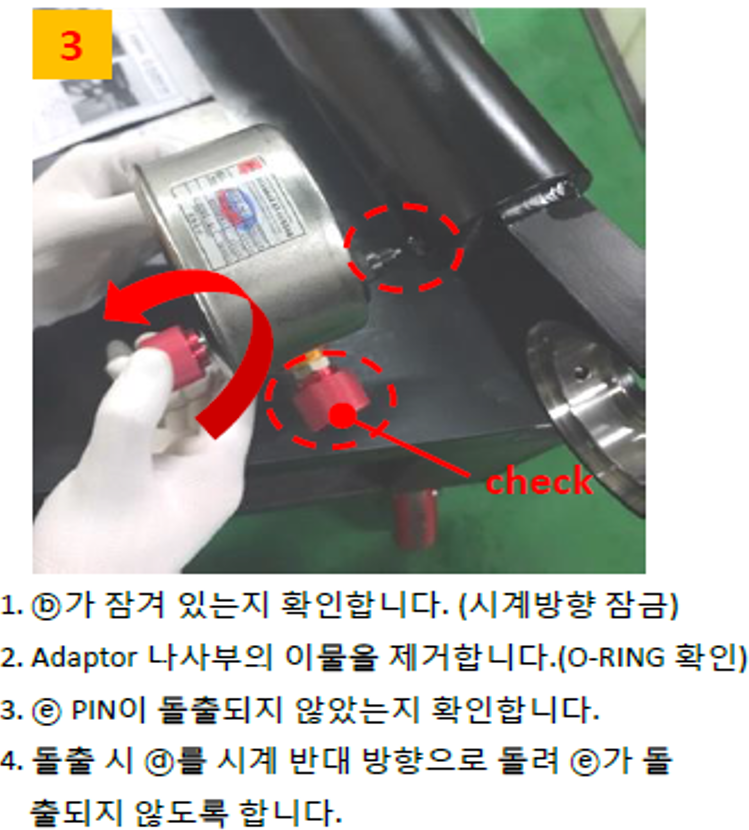
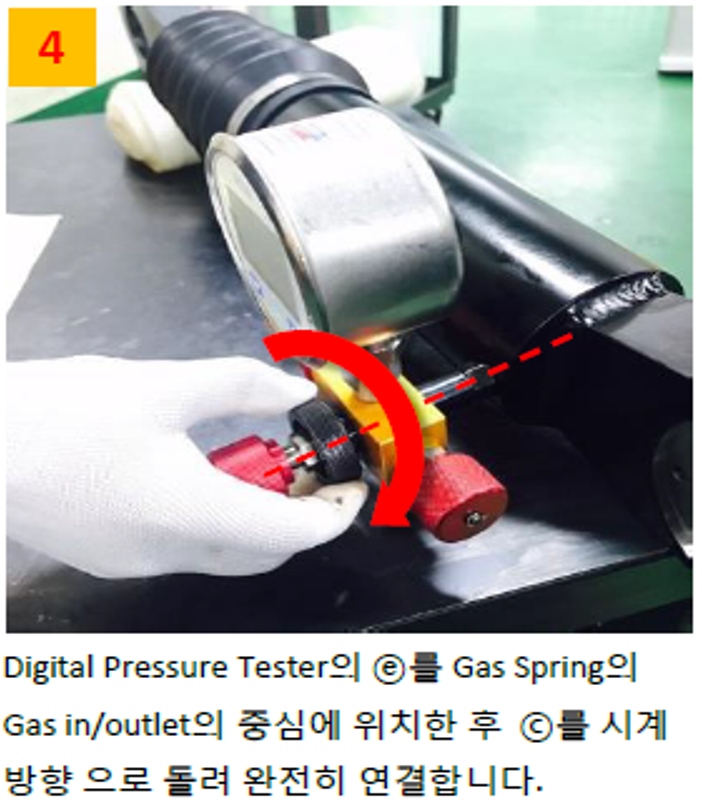
pressure check
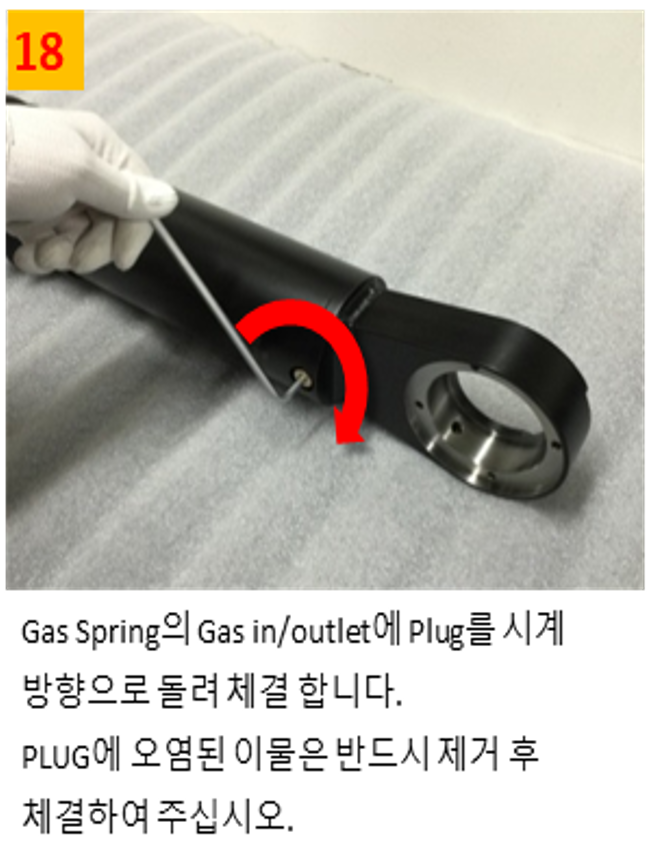
gas injection
caution
- Since nitrogen gas filling is high pressure, please follow the safety regulations of your country.
- Nitrogen gas filling and inspection must be performed by trained personnel and in accordance with the manual.
- Please fill only nitrogen gas. (Never fill gases other than nitrogen gas or liquid nitrogen.)
- Be sure to wear safety glasses when working.
- Never look directly into the gas inlet or pressure gauge.
- If damage occurs, such as when assembling a gas spring with a different stroke, completely remove the gas and then separate it.
- For safety considerations and to preserve product performance, disassembly and assembly of gas spring internal parts can only be done using designated standard work tools and equipment with appropriate training and understanding of the product. For inquiries regarding this, please contact us. Please contact us.
- When measuring gas pressure, please follow the manual as incorrect operation/mistakes of the measuring device can cause a decrease in gas pressure.
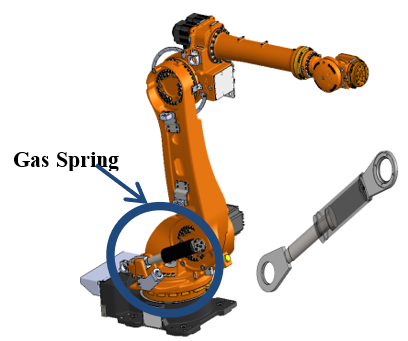
- Gas replenishment and filling must be performed with the gas spring assembled on the robot.
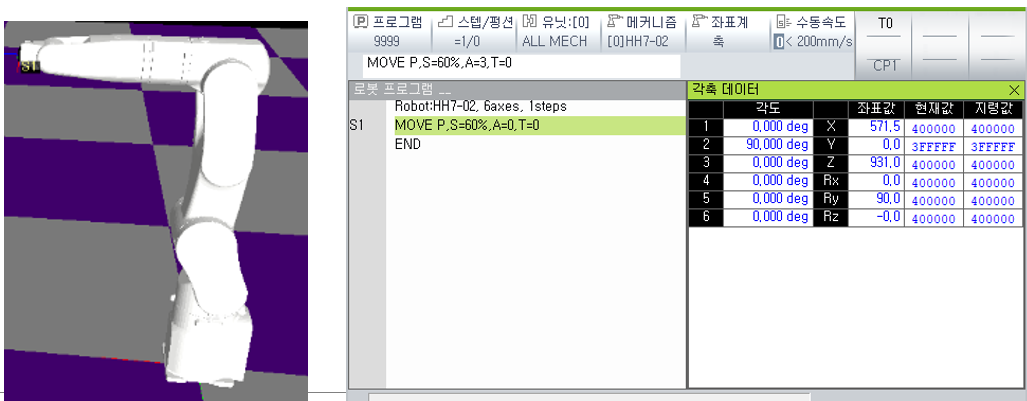
- Set the robot's H-axis (2 axes) posture to the origin of 90° and turn off the power to the controller.